OptimAI Search
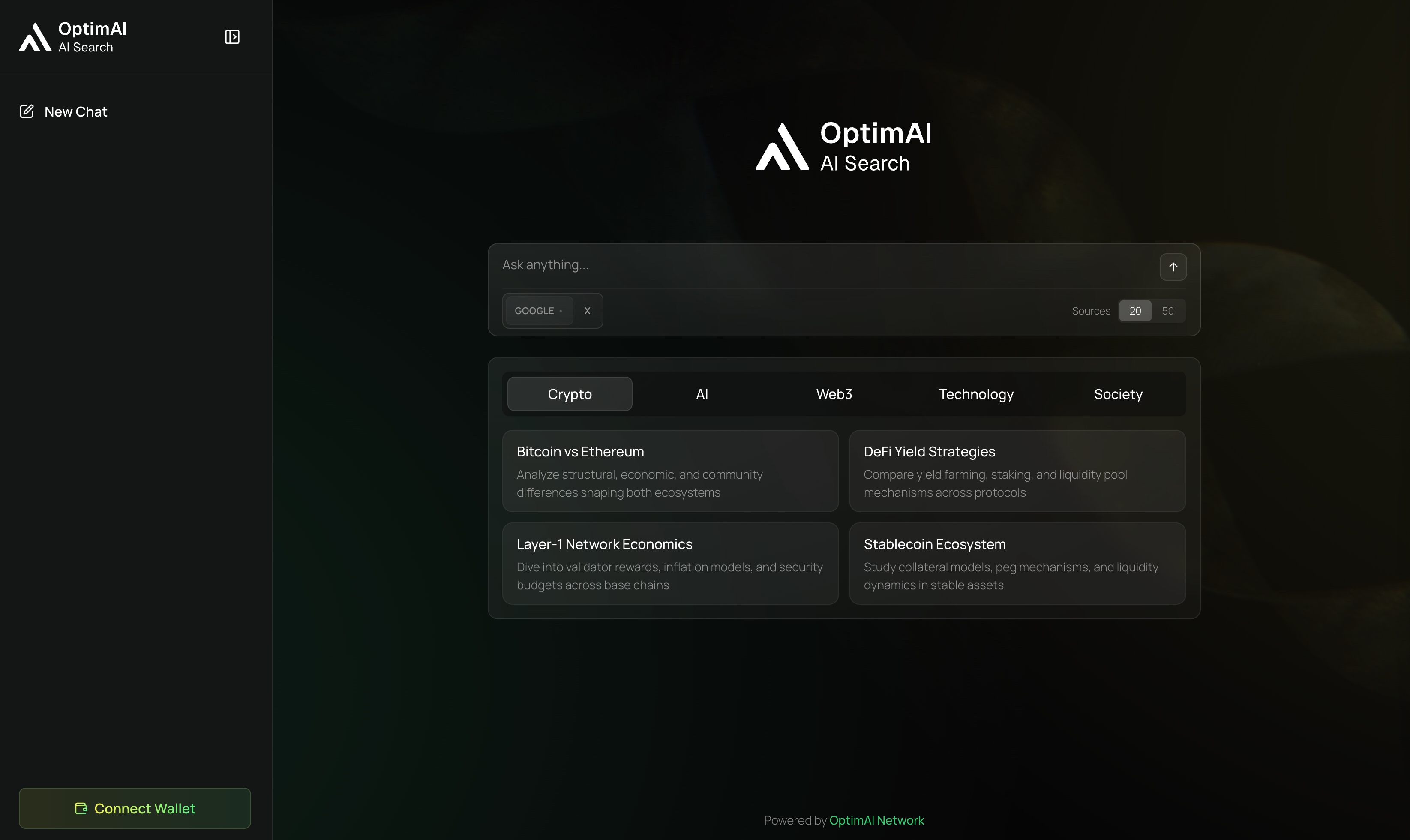
OptimAI Search is the context layer of the OptimAI stack. It gives users and agents a way to retrieve current information from web, social, and network-indexed sources, then return a synthesized answer with supporting sources.
What Search Does
Search turns a question into usable context:
Why It Exists
Agents need current grounding. A model can reason well and still fail if its context is stale, incomplete, or unverifiable. Search gives OptimAI agents a retrieval layer they can call before they answer, extract, or act.
Position In The Stack
| Layer | Search relationship |
|---|---|
| Claw | Supplies the sources Claw needs before execution. |
| Persona | Refreshes context while applying user-approved memory. |
| Nodes | Expand source discovery, refresh capacity, and network coverage. |
| Reinforcement Data Network | Adds freshness, quality, and provenance signals. |
| Builder interfaces | Exposes live context through API, MCP, and x402 flows. |
Capabilities
- natural-language search
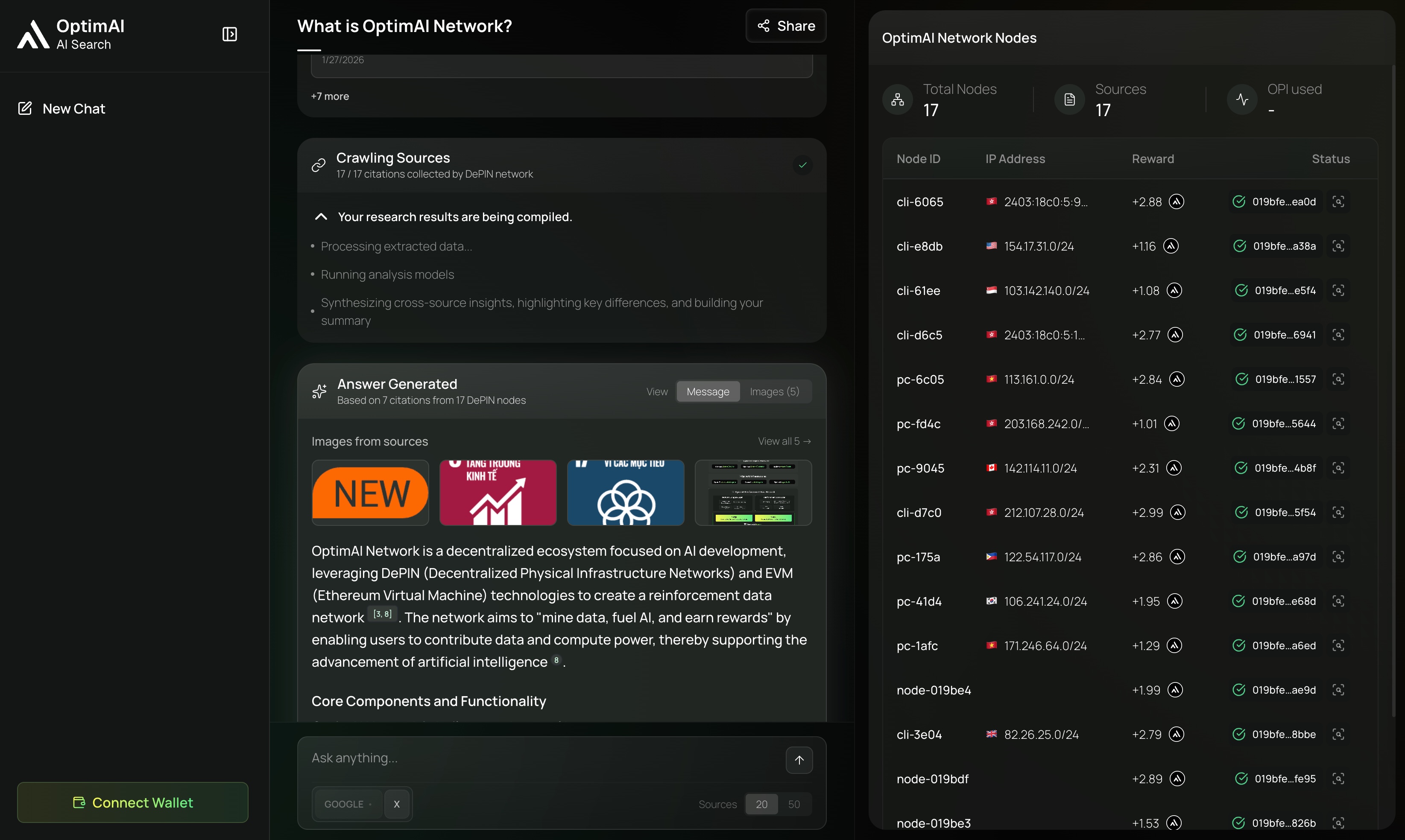
- source-backed answer synthesis
- web and social context when available
- related images for visual context
- semantic matching beyond keyword search
- freshness and provenance signals
- developer access through API and MCP workflows
Product Relationships
| Product | How it uses Search |
|---|---|
| Claw | Finds current sources before executing a research, extraction, or monitoring workflow. |
| Persona Agent | Retrieves updated context while applying user-approved memory and preferences. |
| Data campaigns | Uses Search to discover candidate sources and define extraction targets. |
| Builder tools | Use the Search API, MCP server, and x402 SDK to bring live context into external agents. |
Search Flow
- A user or agent submits a query.
- Search routes the request through retrieval and source discovery.
- Candidate sources are ranked by relevance, freshness, and quality.
- The answer layer synthesizes a response.
- Citations and follow-up paths are returned.
- Feedback can improve future retrieval and ranking.
Developer Access
OptimAI Search is available through several builder paths:
| Interface | Use case |
|---|---|
| Search API | Direct server-side integration for applications and workflows. |
| Search MCP | Add OptimAI Search as a tool inside MCP-compatible coding agents or desktop AI hosts. |
| x402 SDK | Build paid, agent-native search flows using HTTP 402-style payment requests. |
| Search Skill | Installable guidance for AI coding agents that need to use OptimAI Search integrations correctly. |
Start with Developer Get Started or API Overview.
Output Quality
A high-quality Search result should be:
- grounded in sources
- clear about uncertainty
- current for the requested timeframe
- easy for Claw or another agent to reuse
- transparent enough for a user to inspect
Query Tips
- Ask complete questions.
- Include timeframes when recency matters.
- Name the source type, market, chain, country, product, or audience.
- Ask for a comparison, checklist, timeline, or risk analysis when you need structure.
- Use follow-up queries to narrow scope.
FAQ
Do I need a wallet to search?
No. Basic product usage can be separate from wallet-connected or x402 flows.
Is Search only for humans?
No. Search is also designed as a context layer for agents, APIs, and MCP-compatible tools.
Where do answers come from?
Answers are generated from retrieved or indexed sources. Citations help users inspect the context behind the answer.